

Colors play a critical role in branding, marketing, and professional design. Whether you are creating business cards, packaging, brochures, advertisements, or digital content, choosing the correct color format directly impacts the final result.
One of the most common challenges businesses and designers face is the difference between colors displayed on a screen and colors produced through printing. A design may look bright and perfect on a monitor but appear slightly different when printed. The reason behind this difference is that digital displays and printing machines rely on separate color technologies, with screens using light-based colors and printers using ink-based color systems.
Understanding CMYK vs RGB helps businesses avoid unexpected printing results and ensures their designs achieve accurate colors across different platforms.
RGB is mainly used for digital displays such as websites, mobile applications, and social media graphics, while CMYK is the standard choice for professional printing projects. Selecting the correct color mode before starting a project can improve print quality, reduce errors, and create a more professional brand presentation.
What Are Color Modes and Why Do They Matter?

Color modes are standardized methods that define how colors are generated, represented, and reproduced across digital designs, screens, and printed materials. Different devices use different methods to produce colors, which is why the same design may appear different on a screen compared to printed paper.
Understanding color modes is important because:
- Digital screens create colors using light
- Printers create colors using ink
- Different systems produce different color ranges
- Correct color settings improve final output quality
For businesses, proper color management ensures that important brand elements such as logos, packaging, and marketing materials maintain consistency.
A professional designer or printing company considers color mode, file format, paper type, and printing method before production begins.
What Is RGB Color Mode?
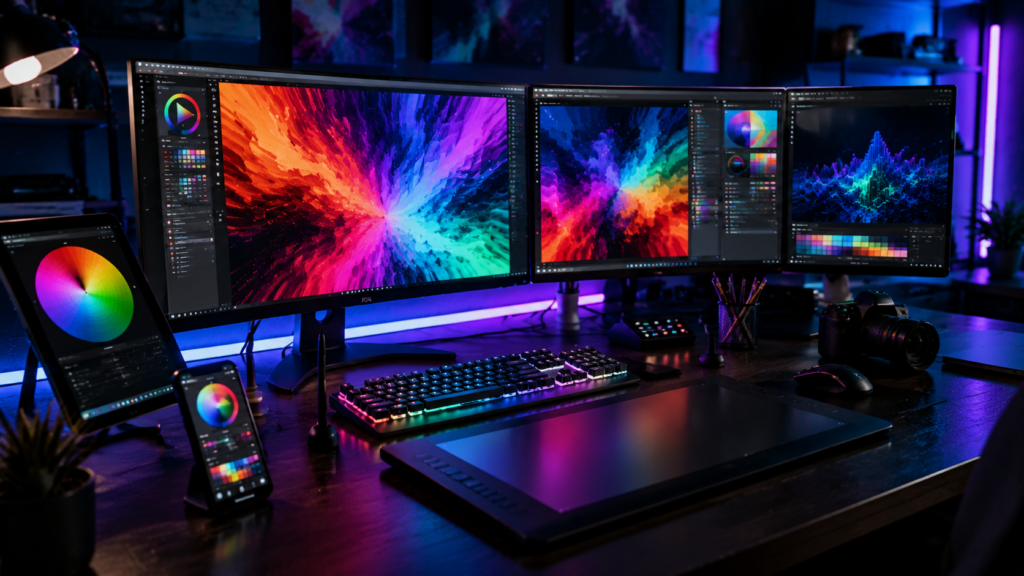
RGB is one of the most widely used color systems for digital design and electronic displays.
Meaning of RGB
RGB stands for:
- Red
- Green
- Blue
These three colors combine in different intensities to create millions of colors displayed on screens.
How RGB Creates Colors
RGB uses an additive color model, meaning colors are created by adding light together.
When red, green, and blue light are combined at maximum intensity, they create white.
RGB works through light, which is why it is ideal for devices such as:
- Computer monitors
- Smartphones
- Tablets
- Television screens
Where RGB Is Used
RGB is mainly used for digital content, including:
- Websites
- Mobile applications
- Social media graphics
- Online advertisements
- Digital presentations
- Photography displays
If your design will only appear online, RGB is usually the correct choice.
Advantages of RGB
RGB provides several benefits:
- Wider color range
- Brighter and more vibrant colors
- Better performance on digital screens
- Ideal for online branding materials
However, RGB is not always suitable for professional printing because printers do not use light to create colors.
What Is CMYK Color Mode?
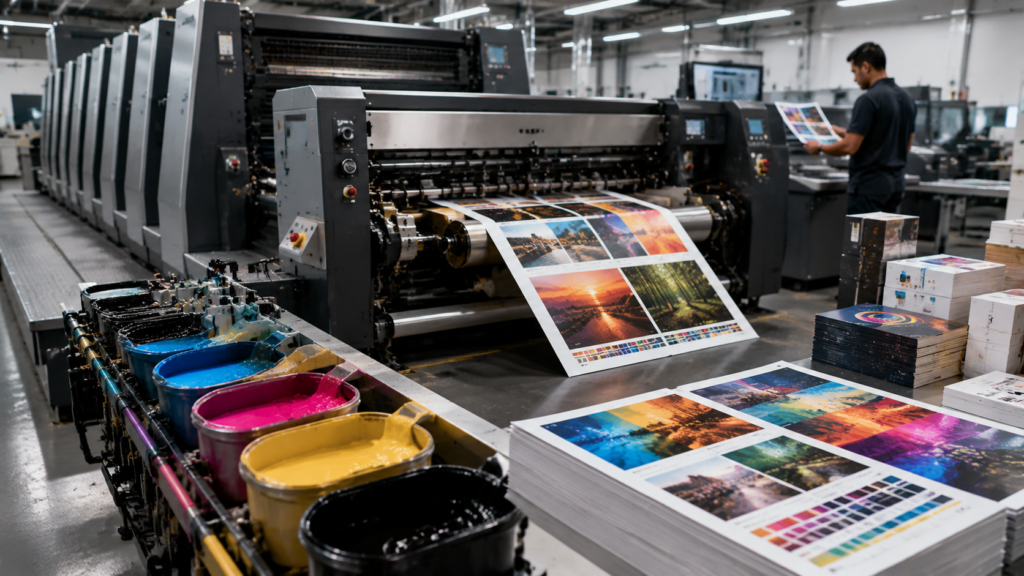
CMYK is the standard color system used in professional printing. It is designed specifically for creating colors with physical ink on paper and other materials.
Meaning of CMYK
CMYK represents four ink colors:
- C – Cyan
- M – Magenta
- Y – Yellow
- K – Key (Black)
These four colors combine to create a wide range of printable colors.
How CMYK Creates Colors
Unlike RGB, CMYK uses a subtractive color model.
Instead of adding light, CMYK works by absorbing and reflecting light through ink.
Printers layer these four ink colors onto materials to create the final printed image.
Where CMYK Is Used
CMYK is commonly used for:
- Business cards
- Brochures
- Flyers
- Posters
- Packaging
- Labels
- Catalogs
- Marketing materials
For any physical printing project, CMYK is usually the recommended color mode.
Advantages of CMYK
CMYK provides:
- More accurate printing results
- Better control over ink output
- Industry-standard printing compatibility
- Consistent physical color production
Professional printers usually require CMYK files to achieve the expected final result.
CMYK vs RGB: Key Differences Explained
| Feature | RGB | CMYK |
| Full Form | Red, Green, Blue | Cyan, Magenta, Yellow, Black |
| Color Creation | Uses light | Uses ink |
| Main Use | Digital displays | Physical printing |
| Best Application | Websites, screens, digital media | Business cards, packaging, brochures |
| Color Range | Larger and brighter | More limited but print accurate |
| Output | Electronic display | Printed materials |
The main difference between CMYK and RGB is how colors are produced. RGB depends on light, while CMYK depends on ink.
RGB vs CMYK for Printing: Which One Should You Use?
For professional printing projects, CMYK is generally the preferred option.
When creating:
- Business cards
- Packaging designs
- Flyers
- Posters
- Brochures
- Custom printed products
design files should usually be prepared in CMYK.
Using RGB files for printing may cause colors to shift because printers need to convert RGB colors into CMYK ink combinations.
This conversion can sometimes reduce brightness or slightly change shades.
Preparing files correctly from the beginning helps maintain better color accuracy.
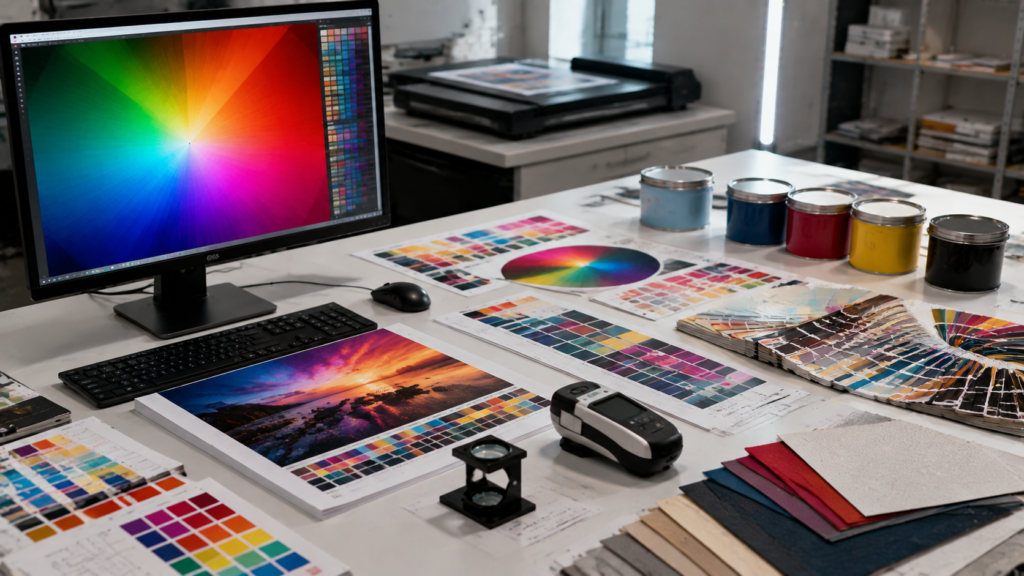
Why Do Printed Colors Look Different From Screen Colors?
Many businesses notice that printed materials do not exactly match what they see on their computer screen.
This happens because of several reasons.
Screen Brightness
Screens produce colors using light, which often makes colors appear brighter.
Different Color Systems
RGB and CMYK create colors differently, resulting in variations.
Monitor Calibration
Uncalibrated screens may display inaccurate colors.
Ink Limitations
Printing inks cannot always reproduce every RGB color.
Paper Quality
Different paper types absorb ink differently and affect the final appearance.
To achieve accurate results:
- Use CMYK files
- Review print proofs
- Work with professional printers
How to Convert RGB Files Into CMYK for Printing
Step 1: Open Your Design Software
Popular design programs include:
- Adobe Photoshop
- Adobe Illustrator
- Adobe InDesign
Step 2: Change Color Mode
Locate the color settings and convert the document from RGB to CMYK.
Step 3: Review Color Changes
After conversion, check:
- Brand colors
- Images
- Gradients
- Text elements
Some colors may need adjustment.
Step 4: Export Print-Ready Files
Save your final file using professional formats such as:
- AI
- EPS
Professional printers can also assist with color conversion and file preparation.
Common CMYK and RGB Mistakes to Avoid
Designing Everything in RGB
Creating print designs only in RGB may lead to unexpected color changes.
Ignoring Color Profiles
Color profiles help maintain consistency between design software and printing equipment.
Using Low-Quality Images
Low-resolution images can reduce print quality.
Not Checking Proofs
Print proofs allow businesses to review colors before final production.
Sending Incorrect File Formats
Always provide professional print-ready files for better results.
Choosing the Right Color Mode for Your Business Printing Projects
Business Cards
CMYK is recommended because business cards require accurate printed colors.
Packaging Design
CMYK helps maintain brand consistency across product packaging.
Brochures and Flyers
Professional marketing materials should use CMYK for reliable printing.
Digital Marketing Designs
RGB is best for websites, online ads, and social media.
Social Media Graphics
RGB provides brighter colors for digital platforms.
How Professional Printing Companies Manage Color Accuracy

Professional printing companies use advanced processes to maintain accurate colors.
These include:
- Color calibration
- Professional printing equipment
- Color profiles
- Quality control checks
- Print proofs
Working with experienced Professional Printing Services USA providers helps businesses achieve consistent results across different printed materials.
CMYK vs RGB: Which One Is Better?
Neither CMYK nor RGB is better overall. The right choice depends on where your design will be used.
CMYK Is Better For:
- Physical printing
- Packaging
- Business materials
- Marketing products
RGB Is Better For:
- Websites
- Mobile screens
- Digital content
- Online advertising
Choosing the correct color mode ensures your design performs well in its intended environment.
Future of Color Management in Printing
Printing technology continues improving with advanced color management systems.
Future developments include:
- Better color matching technology
- Automated color correction
- AI-assisted design workflows
- Improved digital printing systems
- More accurate production results
These innovations will help businesses achieve greater consistency between digital designs and printed products.
Frequently Asked Questions
What is the main difference between CMYK and RGB?
RGB creates colors using light and is mainly used for digital screens, while CMYK uses ink and is designed for printing. RGB produces brighter colors, whereas CMYK provides better control for physical printed materials.
Should I design in RGB or CMYK for printing?
For professional printing, CMYK is usually recommended because printers use cyan, magenta, yellow, and black inks. Designing directly in CMYK helps prevent unexpected color changes during production.
Why do colors change from screen to print?
Colors change because screens use RGB light-based colors while printers use CMYK ink-based colors. Differences in monitors, paper, and printing equipment can also affect the final appearance.
Can RGB files be printed?
Yes, RGB files can be printed, but they usually need to be converted into CMYK first. Professional printers often adjust colors during the preparation process to achieve better results.
What color mode do professional printers use?
Professional printers typically use CMYK because it matches the ink-based printing process. CMYK delivers more consistent color output and reliable printing accuracy, making it the preferred choice for professional materials such as business cards, packaging, brochures, and other physical marketing products.
Need Professional Printing With Accurate Colors?
At RI Printer, we help businesses achieve high-quality printing results with expert color management, professional production, and custom printing solutions.
From business cards and packaging to marketing materials and custom printed products, our team ensures your designs are converted and printed with accuracy.
Contact RI Printer today and create professional printed materials that represent your brand perfectly.


